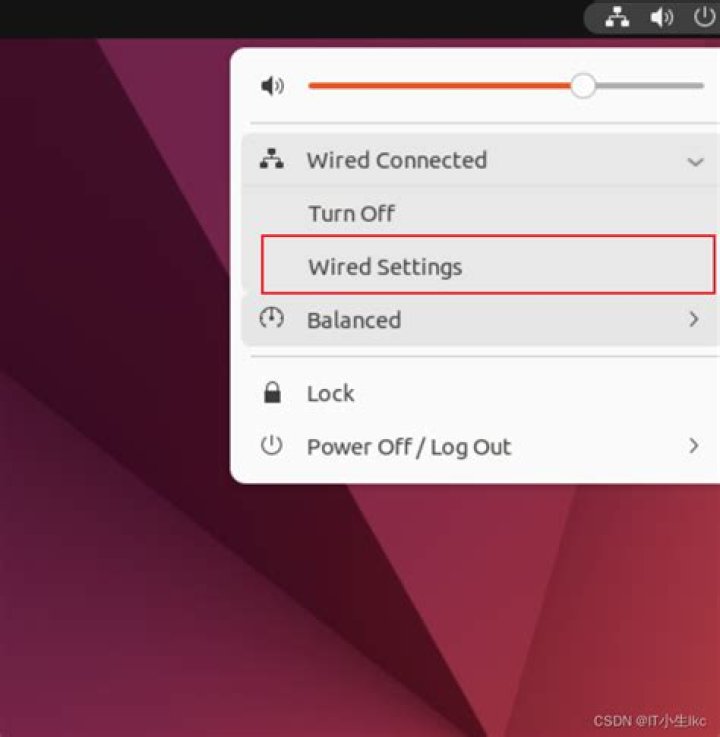

When I attempt to open settings, nothing happens.
In terminal I use the command
gnome-control-center And I get the error
gnome-control-center: symbol lookup error: /usr/lib/x86_64-linux-gnu/libwebkit2gtk-4.0.so.37: undefined symbol: gst_gl_display_egl_new_with_egl_display How can I solve this?
2 Answers
sudo apt purge gnome-control-center sudo apt clean sudo apt install gnome-control-center This worked, gnome-control-center dependencies to messed up while purging Nvidia drivers from the system
You could reinstall faulty library by:
sudo apt purge libwebkit2gtk-4.0-37 sudo apt clean You need to copy all packages that will be removed and install them again.
Installation of my list of removed packages looks as folows:
sudo apt install apturl atril budgie-countdown-applet budgie-desktop \ budgie-desktop-common budgie-desktop-environment \ budgie-desktop-minimal budgie-dropby-applet epiphany-browser \ evolution evolution-data-server evolution-plugin-bogofilter \ evolution-plugin-pstimport evolution-plugins gdm3 geary \ gir1.2-webkit2-4.0 gnome gnome-calendar gnome-contacts \ gnome-control-center gnome-core gnome-documents \ gnome-getting-started-docs gnome-maps gnome-online-accounts \ gnome-session gnome-shell gnome-shell-extensions gnome-sushi \ gnome-todo gnome-user-docs gnome-user-docs-ru gthumb \ libatrilview3 libedataserverui-1.2-2 libevolution \ libfolks-eds25 libgoa-backend-1.0-1 libwebkit2gtk-4.0-37 \ libyelp0 midori mutter rhythmbox-plugins shotwell \ ubuntu-budgie-desktop ubuntu-docs ubuntu-release-upgrader-gtk \ ubuntu-session update-manager update-notifier yelp zenity Also, you could reinstall gnome-control-center first (but do not forget to copy removed packages names, removing asterisk at the end of each and installing them again after removing command execution):
sudo apt purge gnome-control-center sudo apt clean sudo apt install gnome-control-center Additionaly, make sure, you have proper /etc/apt/sources.list records:
deb bionic main restricted deb bionic-updates main restricted deb bionic universe deb bionic-updates universe deb bionic multiverse deb bionic-updates multiverse deb bionic-security main restricted deb bionic-security universe deb bionic-security multiverse If your system contains repositories with newer packages that are not compatible with official repositories, than you could encounter issues like your.
Also, move everything from /etc/apt/sources.list.d/ into other backup folder somewhere on your disk.
Then do sudo apt clean && sudo apt update and try to reinstall gnome-control-center again.
Most likely you've tried to install something that required newer versions of standard gnome packages and added ppa that contained it. It mayby upgraded your existing packages, required for gnome-control-center to work correctly.