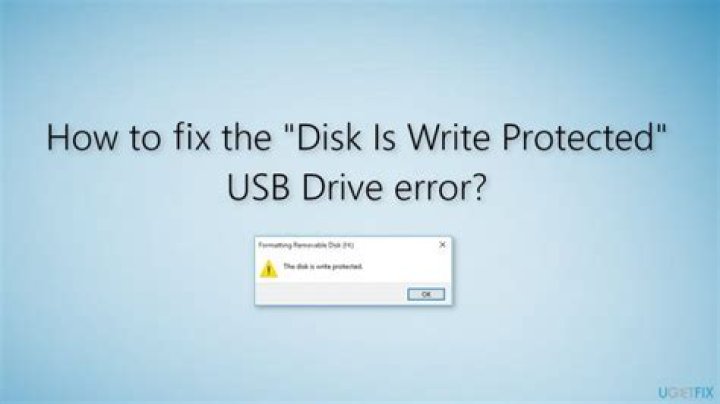

Whenever I plug a usb into my computer a window pops up and says
Unable to mount [Name of USB] Error creating moint point: Permission denied
steve@goliath:/$ uname -a Linux goliath 3.2.0-32-generic #51-Ubuntu SMP Wed Sep 26 21:33:09 UTC 2012 x86_64 x86_64 x86_64 GNU/Linux steve@goliath:/$ sudo fdisk -l WARNING: GPT (GUID Partition Table) detected on '/dev/sda'! The util fdisk doesn't support GPT. Use GNU Parted. Disk /dev/sda: 120.0 GB, 120034123776 bytes 255 heads, 63 sectors/track, 14593 cylinders, total 234441648 sectors Units = sectors of 1 * 512 = 512 bytes Sector size (logical/physical): 512 bytes / 512 bytes I/O size (minimum/optimal): 512 bytes / 512 bytes Disk identifier: 0x0f716ee1 Device Boot Start End Blocks Id System /dev/sda1 1 234441647 117220823+ ee GPT WARNING: GPT (GUID Partition Table) detected on '/dev/sdb'! The util fdisk doesn't support GPT. Use GNU Parted. Disk /dev/sdb: 1500.3 GB, 1500301910016 bytes 255 heads, 63 sectors/track, 182401 cylinders, total 2930277168 sectors Units = sectors of 1 * 512 = 512 bytes Sector size (logical/physical): 512 bytes / 512 bytes I/O size (minimum/optimal): 512 bytes / 512 bytes Disk identifier: 0x0f710ee1 Device Boot Start End Blocks Id System /dev/sdb1 1 2930277167 1465138583+ ee GPT Disk /dev/sdc: 16.0 GB, 16005464064 bytes 74 heads, 10 sectors/track, 42244 cylinders, total 31260672 sectors Units = sectors of 1 * 512 = 512 bytes Sector size (logical/physical): 512 bytes / 512 bytes I/O size (minimum/optimal): 512 bytes / 512 bytes Disk identifier: 0xc3072e18 Device Boot Start End Blocks Id System /dev/sdc1 8064 31260671 15626304 c W95 FAT32 (LBA) steve@goliath:/$ sudo mkdir /media/external mkdir: cannot create directory `/media/external': Permission denied steve@goliath:/$ sudo mkdir /media/usb0 mkdir: cannot create directory `/media/usb0': Permission denied steve@goliath:/$ sudo ls -l / | grep media drwxr-xr-x 3 root root 4096 Oct 3 22:48 media steve@goliath:/$ ls /media/ -a . .. MediaShare MediaShare is the the directory on my server that has all my movies and music. If there is any information I left out please let me know.
How can something not be accessed by sudo/root? I have tried sudo su and the above.
21 Answer
If your USB stick is formatted ntfs make sure you have the NTFS Fuse programs installed.
sudo apt-get update && sudo apt-get upgrade && sudo apt-get install ntfs-3g ntfsprogs; ntfs support seems to have been removed from the default install since 12.04LTS.
(reboot after you install ntfsprogs and ntfs-3g as they get built into the kernel)
===
Also I see that your drives are formatted GPT. Fdisk is no longer the valid command to find information on your drives.
Use the parted command instead of fdisk.
sudo parted -l