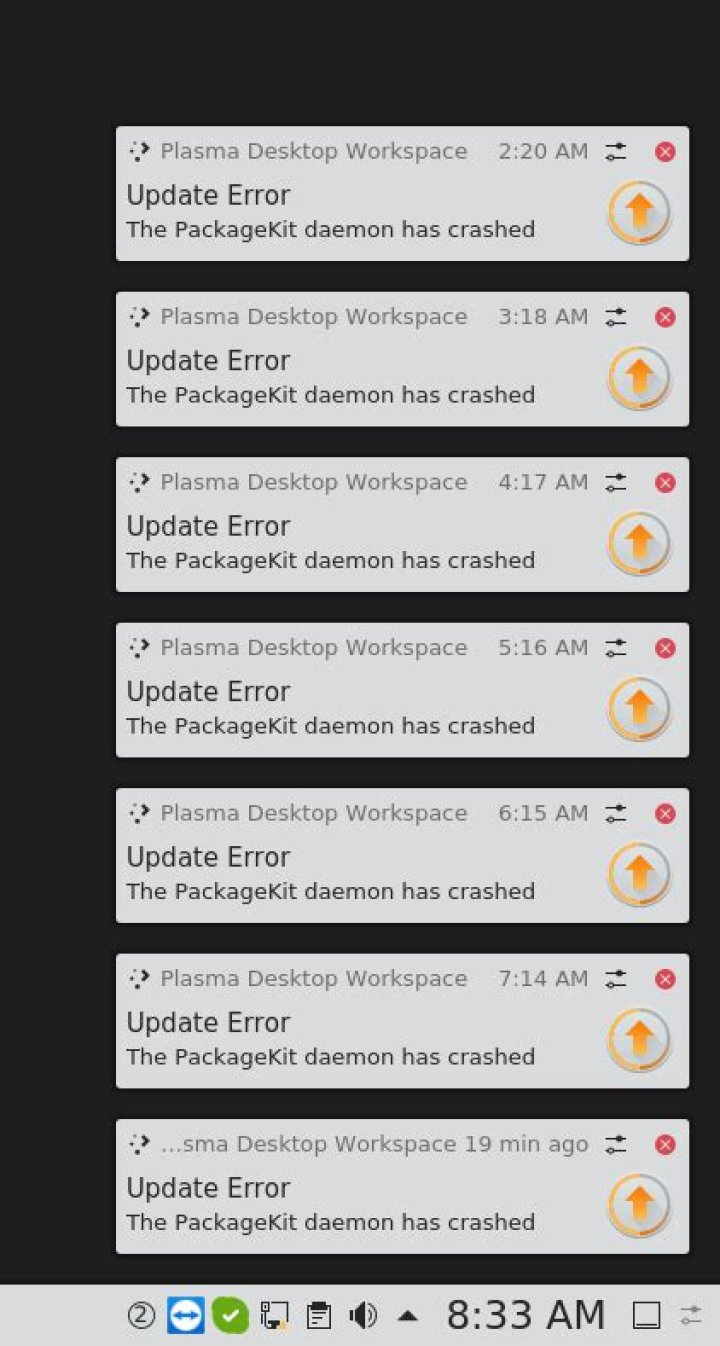

I can't update on Kubuntu 18.10. I have 20 packages, when updating from GUI i get: The PackageKit Deamon has crashed
From terminal: sudo apt-get update && sudo apt-get upgrade -y I get:
E: Could not get lock /var/lib/dpkg/lock-frontend - open (11: Resource temporarily unavailable) E: Unable to acquire the dpkg frontend lock (/var/lib/dpkg/lock-frontend), is another process using it? The day after i get:
E: dpkg was interrupted, you must manually run 'sudo dpkg --configure -a' to correct the problem.
Running: sudo dpkg --configure -a
Setting up snapd (2.37.1+18.10) ... snapd.failure.service is a disabled or a static unit, not starting it. snapd.snap-repair.service is a disabled or a static unit, not starting it. systemctl status snapd.service
● snapd.service - Snappy daemon Loaded: loaded (/lib/systemd/system/snapd.service; enabled; v Active: deactivating (stop-sigterm) (Result: timeout) Main PID: 22246 (snapd) Tasks: 12 (limit: 4915) Memory: 268.4M CGroup: / ├─22246 /usr/lib/snapd/snapd ├─22319 apparmor_parser --replace --write-cache -O no └─22320 apparmor_parser --replace --write-cache -O no Feb 13 11:46:58 xxxx systemd[1]: Starting Snappy daemon... Feb 13 11:46:58 xxxx snapd[22246]: AppArmor status: apparmor is Feb 13 11:46:59 xxxx snapd[22246]: helpers.go:145: error trying Feb 13 11:46:59 xxxx systemd[1]: snapd.service: Start operation journalctl -xe
-- Subject: Unit snapd.service has finished shutting down -- Defined-By: systemd -- Support: -- -- Unit snapd.service has finished shutting down. Feb 13 11:47:47 xxxx systemd[1]: snapd.service: Found left-over Feb 13 11:47:47 xxxx systemd[1]: This usually indicates unclean Feb 13 11:47:47 xxxx systemd[1]: snapd.service: Found left-over Feb 13 11:47:47 xxxx systemd[1]: This usually indicates unclean Feb 13 11:47:47 xxxx systemd[1]: Starting Snappy daemon... I can't run: sudo dpkg --configure -a I get: dpkg: error: dpkg frontend is locked by another process
lsof /var/lib/dpkg/lock everything is dead.
I believe I have to reinstall a new lock, I don't know how to do so?
sudo touch /var/lib/dpkg/lock not working.
1 Answer
I entered terminal as root via restore mode by holding shift down under startup and rebootet. sudo dpkg --configure -a worked from terminal afterwords.