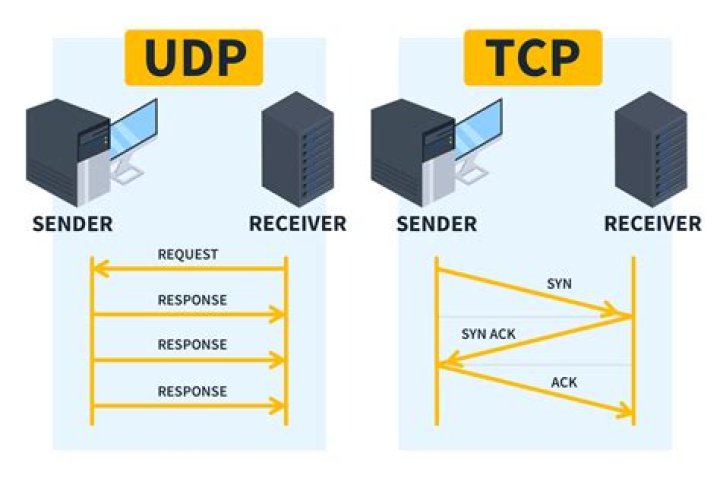

I'd like to know what are the contents of a packet one application "APM Planner" send to another "MAVProxy". I know they are communicating over UDP port 14550. I tried using tcpdump by running the following commands
tcpdump -u port 14550 and
tcpdump udp and
netstat -uanpc | grep 14550 but none of them displayed me what these two applications are really exchange. I need something like cutecom for monitoring the UDP connection. Is there anything like this? When I run the command
netstat -lnpuc , it shows the following among its output
udp 5376 0 0.0.0.0:14550 0.0.0.0:* 23598/apmplanner2 2 Answers
tcpdump supports UDP capturing. example usage:
tcpdump -n udp port 14550 Edit
Because your applications are communicating with lo interface you must specify interface like this:
tcpdump -i lo -n udp port 14550 this command print headers only. if you want to print data part of packet in hex and ASCII use this:
tcpdump -i lo -n udp port 14550 -X or if you want to save packets to a file and see it's content in Wireshark use this:
tcpdump -i lo -n udp port 14550 -w packets.pcap You can use ngrep. Example:
# Any UDP from any local interfaces to 91.22.38.4:12201 ngrep -W byline -d any udp and host 91.22.38.4 and dst port 12201