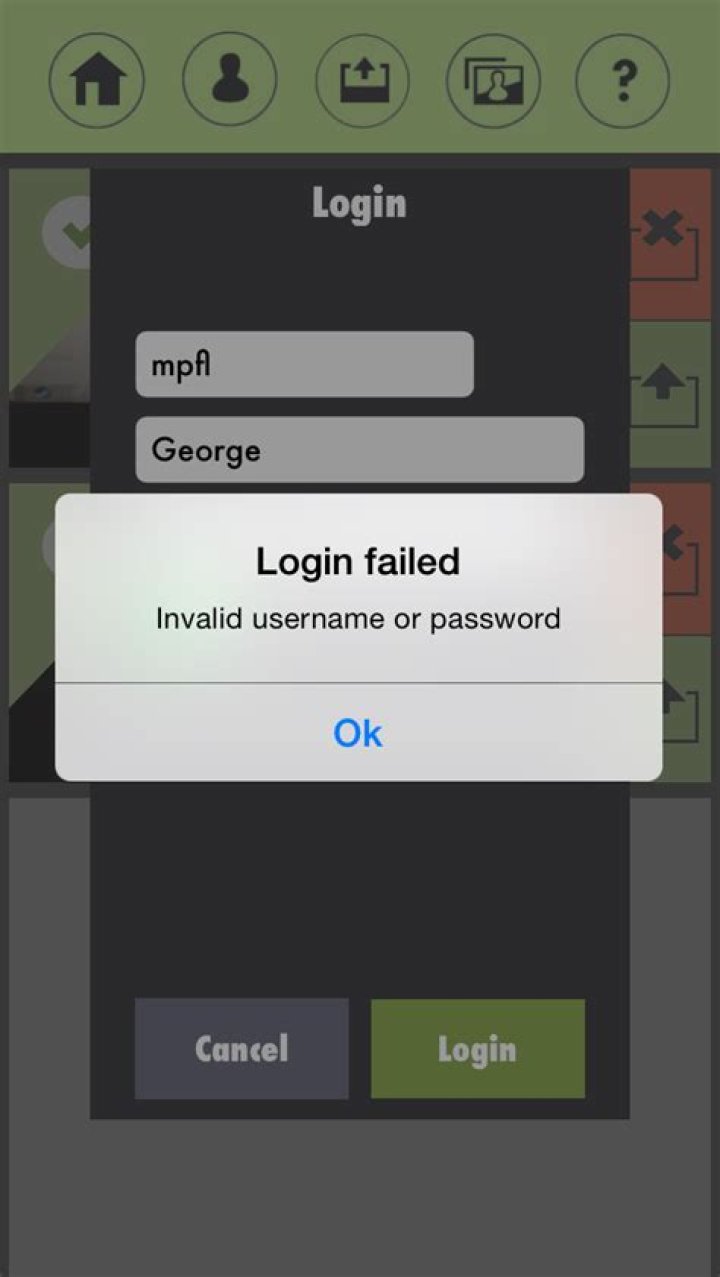

I'm using proftpd. When I try to log into the the FTP server it gives me the below message in the log:
USER Err (Login failed): Invalid shell: '/dev/null' Many searches reveal that I should set RequireValidShell to off which I did, then I got this error in the log:
Err chdir("/dev/null"): Not a directory I also tried to set my shell access to '/dev/false' and that didn't change anything. Client side, it says the login failed. I'm not sure what to do anymore, I spent about 4 hours trying to figure it out. Could really use some help.
Here is my proftpd.conf:
Include /etc/proftpd/modules.conf UseIPv6 on IdentLookups off ServerName "192.168.0.100" ServerType standalone RequireValidShell off DeferWelcome off MultilineRFC2228 on DefaultServer on ShowSymlinks on TimeoutNoTransfer 600 TimeoutStalled 600 TimeoutIdle 600 DisplayLogin welcome.msg DisplayChdir .message true ListOptions "-l" DenyFilter \*.*/ Port 21 <IfModule mod_dynmasq.c> </IfModule> MaxInstances 3 User proftpd Group nogroup Umask 022 022 AllowOverwrite on TransferLog /var/log/proftpd/xferlog SystemLog /var/log/proftpd/proftpd.log <IfModule mod_quotatab.c> QuotaEngine off </IfModule> <IfModule mod_ratio.c> Ratios off </IfModule> <IfModule mod_delay.c> DelayEngine on </IfModule> <IfModule mod_ctrls.c> ControlsEngine off ControlsMaxClients 2 ControlsLog /var/log/proftpd/controls.log ControlsInterval 5 ControlsSocket /var/run/proftpd/proftpd.sock </IfModule> <IfModule mod_ctrls_admin.c> AdminControlsEngine off </IfModule> Include /etc/proftpd/conf.d/ PRoFTPD-1.3.4a
Xubuntu 12.10
1 Answer
Maybe the person who configured the account was just as misguided when assigning a home directory as they were when they assigned the shell.
That could explain why it's failing to chdir when they successfully log in to the FTP service.
grep [username] /etc/passwd will show if the user's home directory was set as inappropriately as the shell. sudo usermod -d /home/[username] -s /usr/sbin/nologin [username] could set a sane shell and home for the account. You might also need to sudo mkdir -p /home/[username] and sudo chown [username] /home/[username].