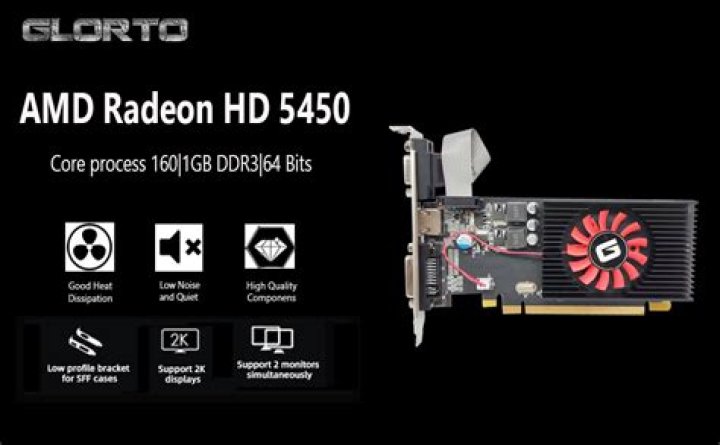

I use Radeon HD 5450. I need work with Dual monitor.
One try (Not Working):
- The first monitor is in VGA onboard input.
- The second monitor on VGA Radeon 5450.
Second try (Not Working):
- The first monitor on VGA Radeon 5450.
- The second monitor on DVI Radeon 5450 (i use this adaptor DVI_VGA).
How i can play two monitor, this not working?
I use Ubuntu 12.04.
12 Answers
I got the same card to work this way:
- Create new
xorg.confusingaticonfig --initial(it is installed by packages fglrx/fglrx-updates), it complained about something but since I had no other option I ignored it - move
xorg.confas root to/etc/X11/xorg.confif necessary - edit it so that the part
Virtual 3200 3200appears in everySubsection "Display" - Restart X (in my case
sudo service lightdm restart)
My setup is like your second try but without an adaptor.
I had the same problem with the same video card recently. I had one DVI-HDMI and one VGA connected monitors. The problem was solved by replacing VGA cable to simple DVI cable. After replacing VGA monitors start working instantly without any additional configuration. So, final configuration is:
Fisrt Display: DVI-HDMI
Second Display: DVI-DVI
Open source driver from xorg-edgers ppa used. No lag, no tearing - everything is just fine.