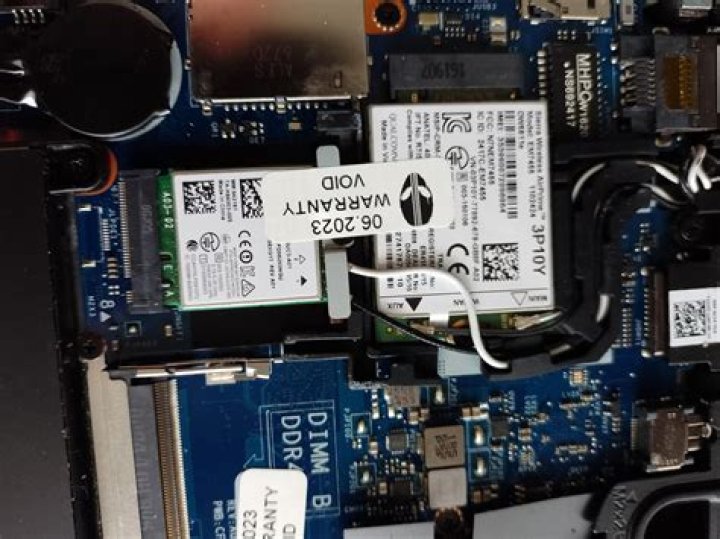

I am trying to get a HP un2400 WWAN adapter in an EliteBook 6930p to work.
The un2400 uses the Qualcomm Gobi 1000 chip, which requires firmware binaries to be downloaded to the device on startup.
I've downloaded the Windows driver from HP, extracted the firmware files from it, placed them in /lib/firmware/gobi, installed gobi-loader and rebooted.
After this operation, lsusb shows the WWAN adapter with a different vendor ID (03f0:1f1d) and I can set up a WWAN connection in Network Manager. However, two things still don't work:
- Network Manager shows the WWAN adapter as "not enabled" (although "Enable Mobile Broadband" is checked in the context menu). I have to disable all wireless networks via the touch button on the device and re-enable it. After that I get asked for my PIN, then Network Manager reports the adapter as registered to my network.
- Even after the WWAN adapter is allegedly registered, I cannot connect. When I try, the notification icon briefly changes to "connecting", then reverts to its initial state. I do not receive a desktop alert.
The HP driver pack includes several folders with firmware images. Some sources state that 0 should be used, while a tech note from HP states that 0 is for Vodafone, 6 is for generic UMTS in Europe. Being on a European Vodafone network, I tried both, with the same result.
I have successfully used the same SIM card in a Huawei USB stick on the same laptop with the same OS.
I also came across a post referring to Ubuntu bug 1032865 stating that /dev/cdc-wdm0 needs to be in the dialout group. I added it to the group and gave the group r/w permission, still no joy.
What's wrong here?
Reset to default