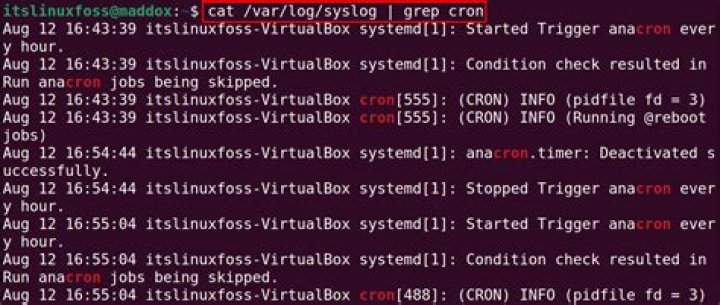

I want see all the jobs that has been scheduled by using cron for the last 1 week (or certain specified time). I used the command
sudo grep CRON /var/log/syslog But it only shows the log for 1 day. Is there any command in Ubuntu to track them?
23 Answers
Another alternative is
sudo zgrep CRON /var/log/syslog* zgrep uncompresses files if needed. Options same as for grep.
You can do this to newer syslog files:
cd /var/log cat syslog.1 syslog | grep CRON To the oldest you must do it:
cd /var/log zcat syslog syslog.4.gz syslog.3.gz syslog.2.gz | grep CRON It's a good idea to do these commands nested in loops, specially to zcat, since syslog.#.gz are more numerous.
You can even store them into another file to analyze better:
cd /var/log zcat syslog syslog.4.gz syslog.3.gz syslog.2.gz | grep CRON > ~/cronanalysis.txt cat syslog.1 syslog | grep CRON >> ~/cronanalysis.txt The order of syslog files is inverted, so you put older to head and newer events to tail.
0On Amazon Linux you can find it in /var/log/cron file
tail /var/log/cron