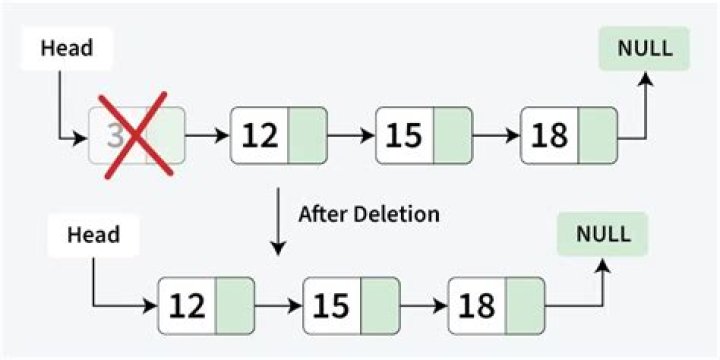

I've installed ubuntu maas server, and a couple of nodes. Everything went right, just for one node, now with status "Allocated to...". Question is, how do i delete this node. I've tried following :
cobbler system remove --name=xxx The node seems to be removed (cobbler system list) but is still visible in /MAAS webui, even after several reboots.
Any hint ?
6 Answers
maas has its own database, api, and management tools, directly removing things from cobbler is not supported.
1sudo maas shell > from maasserver.models import Node > node = Node.objects.get(hostname='myhostname') > node.delete() If this problem appeared after juju bootstrap, you can use
juju destroy-environment maas flush will rebuild maas enviroment, that's not a good idea.
I faced this problem recently and I'll post here even if this is a very old question. In may case, the node was already allocated to MAAS, so I first had to de-allocate it (with release()) and then delete it. I used the following commands:
sudo maas shell >>> from maasserver.models import Node >>> node = Node.objects.get(hostname='node-name') >>> node.release() >>> node.delete() Try to use after that cobbler command... maas flush. It will reset your maasdb.
I faced the same problem. I deployed a testing system and just use
sudo maas flush
but this will remove all tables from your system and start from scratch. will be also useful the
cobbler system remove --name
with the old nodes