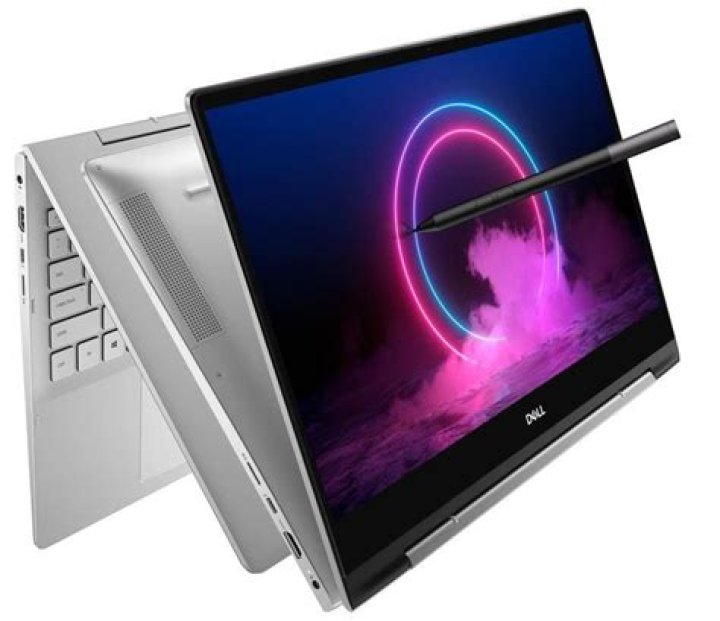

on my Dell Inspiron 17 7778 (2-in-1) notebook the Dell Stylus 750-AAHC does not work in a correct way. When I touch the screen with the pen the behavior is completely random. It is impossible to use the pen on the screen. On the other hand, touching the screen with the finger works in the correct way.
With the xinput -list command, I get
corrado@corrado-Inspiron-17-7779:~$ xinput -list ⎡ Virtual core pointer id=2 [master pointer (3)] ⎜ ↳ Virtual core XTEST pointer id=4 [slave pointer (2)] ⎜ ↳ ELAN Touchscreen id=12 [slave pointer (2)] ⎜ ↳ DELL0744:00 06CB:7E92 Touchpad id=13 [slave pointer (2)] ⎜ ↳ SynPS/2 Synaptics TouchPad id=17 [slave pointer (2)] ⎣ Virtual core keyboard id=3 [master keyboard (2)] ↳ Virtual core XTEST keyboard id=5 [slave keyboard (3)] ↳ Power Button id=6 [slave keyboard (3)] ↳ Video Bus id=7 [slave keyboard (3)] ↳ Video Bus id=8 [slave keyboard (3)] ↳ Power Button id=9 [slave keyboard (3)] ↳ Sleep Button id=10 [slave keyboard (3)] ↳ Integrated_Webcam_HD id=11 [slave keyboard (3)] ↳ Intel Virtual Button driver id=14 [slave keyboard (3)] ↳ Intel HID events id=15 [slave keyboard (3)] ↳ AT Translated Set 2 keyboard id=16 [slave keyboard (3)] ↳ Dell WMI hotkeys id=18 [slave keyboard (3)] where I noticed that the ELAN Touchscreen Pen is missing in the Virtual Core Pointer.
Is it possible to make the Dell Active Stylus working on my notebook?
1 Answer
I have the exact same laptop model, and the short answer is no, the Active Stylus, or any stylus for that matter, will not work.
The reason is very simple. This model features a touchscreen, and not an active digitizer. A stylus requires an active digitizer to be able to read the various pressure levels and fine tips.
With a touchscreen, the stylus you are using is no better than using your finger.