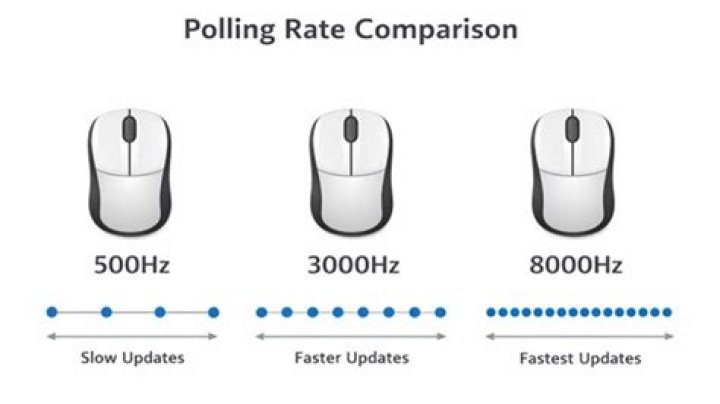

I am on Ubuntu 18.04 and my Logitech MX Master connected via bluetooth has recently started to become very jittery. Here is an excerpt from the output of evhz: ()
MX Master: Latest 1000Hz, Average 483Hz ST LIS3LV02DL Accelerometer: Latest 11Hz, Average 13Hz MX Master: Latest 20Hz, Average 496Hz MX Master: Latest 1000Hz, Average 485Hz ST LIS3LV02DL Accelerometer: Latest 13Hz, Average 13Hz MX Master: Latest 20Hz, Average 497Hz MX Master: Latest 1000Hz, Average 486Hz MX Master: Latest 20Hz, Average 498Hz MX Master: Latest 1000Hz, Average 487Hz ST LIS3LV02DL Accelerometer: Latest 13Hz, Average 13Hz MX Master: Latest 20Hz, Average 498Hz MX Master: Latest 1000Hz, Average 488Hz ST LIS3LV02DL Accelerometer: Latest 13Hz, Average 13Hz MX Master: Latest 20Hz, Average 499Hz MX Master: Latest 1000Hz, Average 489Hz MX Master: Latest 20Hz, Average 499Hz MX Master: Latest 1000Hz, Average 490Hz cat /sys/module/usbhid/parameters/mousepoll outputs 0, so I've tried forcing a polling rate in /etc/modules as such:
# /etc/modules: kernel modules to load at boot time. # # This file contains the names of kernel modules that should be loaded # at boot time, one per line. Lines beginning with "#" are ignored. -r usbhid usbhid mousepoll=2 It seems that I've done that wrong, as cat /sys/module/usbhid/parameters/mousepoll still just outputs 0. Does anyone have a suggestion what I could try next? Thanks!
1 Answer
Removing the usbhid module does not disable my mouse, so it does not affect bluetooth. Some threads (1, 2) mention that setting /sys/kernel/debug/bluetooth/hci0/conn_max_interval, conn_min_interval and conn_latency should work, but they do not for me. Setting the same parameters via hcitool does work. Connect the mouse, and obtain the handle from the bluetooth connection with hcitool:
# hcitool -i hci0 con Connections: < LE 12:34:56:78:9A:BC handle 3585 state 1 lm MASTER AUTH ENCRYPT Then set low values for min, max and latency as above:
hcitool lecup --handle 3585 --min=6 --max=7 --latency=0 hcitool notes the factor for min and max is 1.25ms, so this should accept polling rates with an interval of 7.5ms - 8.75ms.
As the settings only apply to the bluetooth connection, the solution immediately stops working after the mouse disconnects, so if anyone has a more permanent solution I would love to hear about it!
2