
I was trying to install the software quicknet from a tar.gz file. After running ./configure, when I tried running make, it showed the following error:
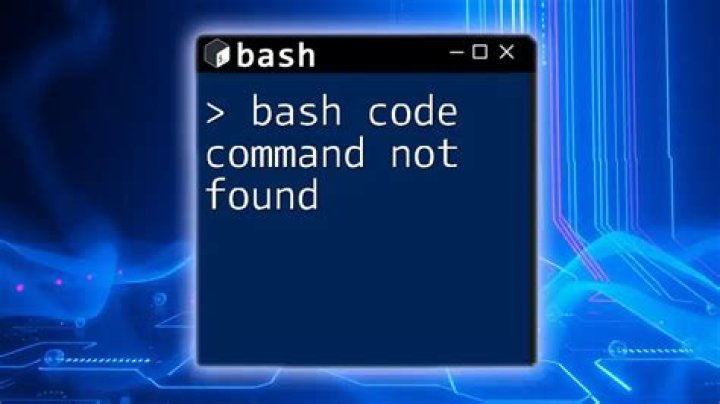
g++ -I. -I. -c QN_args.cc /bin/bash: g++: command not found make: *** [QN_args.o] Error 127 I have already installed the gcc compiler.
1 Answer
You need the g++ compiler, not gcc, so install the g++ package, and maybe build-essential for any needed headers:
sudo apt-get install g++ And if necessary (probably not for this package):
sudo apt-get install build-essential You should read the README file(s), then the INSTALL file and follow the instructions. They usually boil down to running configure:
./configure Then running make:
make Then, if you want to install the programs in a system area, run:
sudo make install The configure step should search out the necessary parts (g++) and complain and stop if necessary parts are not found. It builds the Makefile from the information about your system.
I had no issues with the downloaded package, but then again, I do have the build-essential package installed for what I do. g++ gets installed into /usr/bin, which should be a normal part of your PATH.