
I am trying to write a bash script to install a list of software. I am using --assume-yes to get past the prompts.
This following line somehow doesn't work:
sudo apt-get install python-software-properties --assume-yes If I try to apt-get without --assume-yes it works but the prompt asks me to:
please [Enter] to continue or ctrl+c to cancel adding it How do I add Enter as a command when running apt-get install instead of using --assume-yes?
3 Answers
Your problem is that the option should be before the packages, not after, this is the correct syntax:
apt-get <options> command package=version/release So, for it to work it should be:
sudo apt-get --assume-yes install python-software-properties apt-get is forgiving when mixing up command and options, but to err on the safe side, you should always use the options before the command and never put options or commands after the name of the package.
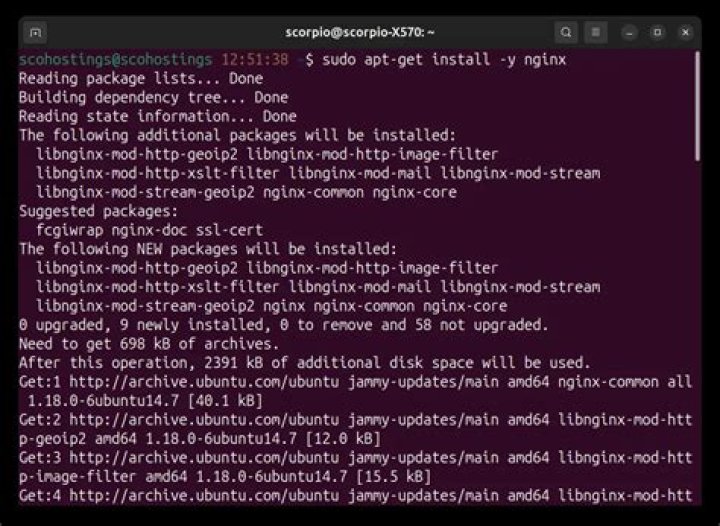
Add -y flag to apt-get install <package-name> command like below, you won't get any prompt while installing packages.
sudo apt-get install -y <package-name> From apt-get --help
-y Assume Yes to all queries and do not prompt For another silent and effective way as follows :
sudo DEBIAN_FRONTEND=noninteractive apt-get install -qq python-software-properties < /dev/null > /dev/null