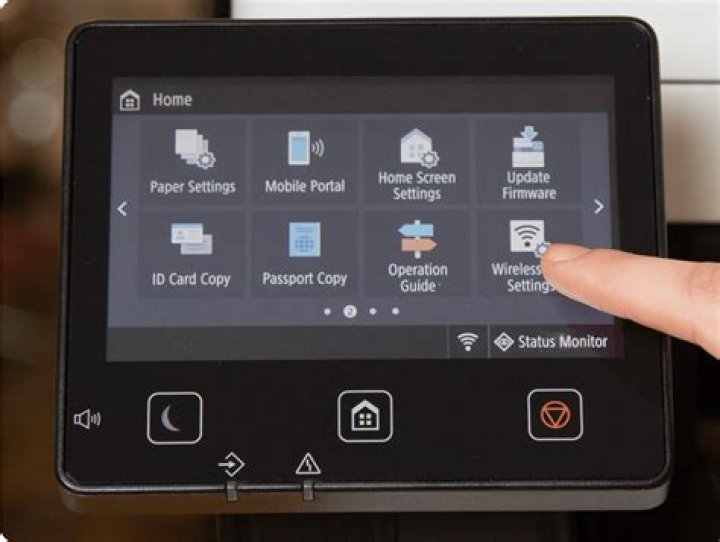

I'm sorry, I tried many things but without success, and could use some help. I have a Canon i-Sensys MF645Cx multifunction printer / scanner connected via my home LAN. Printing worked out-of-the-box, now I wanted to use the scanner.
I installed from the Canon webpage
- UFR II/UFRII LT Printer Driver for Linux V5.10 (printer is not shown on registration, I added the printer and its IP-address for "socket")
- CQue driver "deb"
I played around with ufw firewall rules e.g.
% sudo ufw status Status: active To Action From -- ------ ---- 8610/udp ALLOW Anywhere 8612/udp ALLOW Anywhere 8610/udp (v6) ALLOW Anywhere (v6) 8612/udp (v6) ALLOW Anywhere (v6) and tried to edit /etc/sane.d/pixma.conf, with either line added
bjnp://192.168.2.100 mfnp://192.168.2.100 but when I start xsane (e.g. with the mfnp line activated), I get
% xsane [bjnp] udp_command: ERROR - no data received (timeout = 1000) [bjnp] bjnp_init_device_structure: Cannot read mac address, skipping this scanner [bjnp] udp_command: ERROR - no data received (timeout = 1000) [bjnp] add_scanner: ERROR - Cannot read scanner make & model: bjnp://192.168.2.100:8612/timeout=1000 sudo add-apt-repository ppa:rolfbensch/sane-git sudo apt-get update but that didn't change anything.
I also added myself to the groups scanner and saned according to , without success.
Any ideas how I can get the the scanner working? Thanks a lot!
1 Answer
With some help I found the solution (Ubuntu 18.04): What I forgot was to upgrade after adding the external repository:
sudo add-apt-repository ppa:rolfbensch/sane-git sudo apt-get update sudo apt upgrade This seems the be the decisive change. The firewall can actually be disabled:
% sudo ufw status Status: inactive No changes have to be made to config files in /etc/sane.d. (I cannot say whether installing the two Canon packages or the group membership is important since I didn't revert these steps.)
Then xsane starts and seems to works fine with the Canon i-Sensys MF645Cx.
The only strange thing was a flood of error messages when xsane started such as Cannot adopt OID in UCD-SNMP-MIB: .... I followed the advice on colord errors in /var/log/syslog in 18.10 and installed the package snmp-mibs-downloader using sudo synaptic (plus another package that was added as a dependency). Then the messages disappear.