
I am a new user and please forgive my ignorance.
I have Ubuntu Server 16.04 and am having trouble with file sharing.
Mission - give my workgroup read, write and execute access to a common drive on a Standalone Server based on a user account.
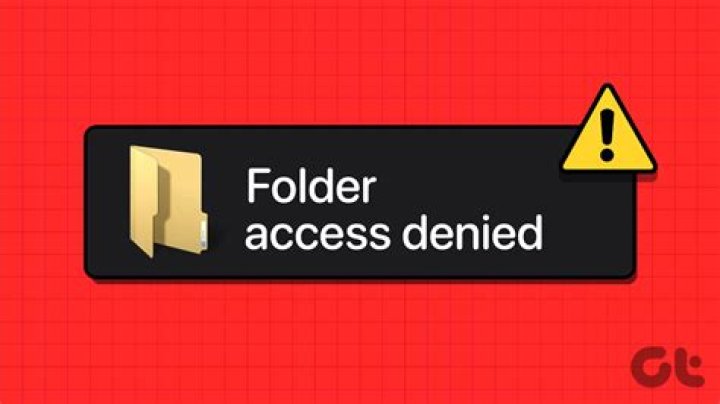
Have spend a few hours trying the standard config and testing but can only write files as the user in which the share was created. Have tried changing file level permission and added the user as admin users in the Samba Config file.
Just am now confused, the lines in the config file include the following:
[GDrive] comment = shared document drive path = "/home/techo1/Shared Files/GDrive" valid users = techo1 techo2 techo3 admin users = techo1 techo2 techo3 read only = no browsable = yes writeable = yes public = yes guest ok = yes create mask = 0644 directory mask = 0755 Also have altered the setfacl to give permission for techo2 and techo2 to have rwx access and these list with getfacl.
Am trying to connect from windows 7 clients, but there will be some windows 10 clients.
Thanks for the opportunity to post a question for this issue.
Regards
1 Answer
After looking through another question here, I found a link on a question someone else had asked which was a good answer, which is listed below:
So my problem was solved by:
- Rebuilding the server to ensure all the settings I messed with were refreshed.
- Followed the instructions on the website listed above.
- It all worked.
Many thanks for to this community for being there and providing an answer.